
 Additional settings for Safari Browser.


January 2, 2026
The Friday Five
The Friday Five January 2, 2026 Happy Friday, Cabarrus County Schools families! Happy Friday, C...


Looking for an administrator, teacher, or staff member?
Use our Campus Directory to find names, roles, and contact details for everyone on campus.
Popular Student Links
Cabarrus County Schools is pleased to offer Linq Connect - an online platform to make meal payments and view school menus. Use the buttons below to make a payment, explore menus, and learn more.
Make A Payment View School Menus Why Pay Online Payment Options Payment Policy
You may pay your student class fee, instructional supply fee, and other school related fees through K12 payment center. This is not where you pay for meals.
To make a fee payment online.
Attendance is the leading indicator of your child’s lifelong success
Every day counts! We care that every student shows up to school, all day every day. Cabarrus County Schools is committed to working with families to ensure that every student attends school regularly and achieves their full potential. By prioritizing attendance, we can create a brighter future for all our students.
How to Request Your NC Eligibility Certificate for the DMV
We use ParentSquare for school communication, primarily with email, text and app notifications which allows district, school administrators and teachers to more effectively communicate and engage with families and students. ParentSquare automatically generates an account for each parent using their preferred email address and phone number.
We encourage parents to access their accounts so they can download the mobile app and update their preferences, including when and how they receive notifications.
ParentSquare is a safe, secure, and modern approach to communication and collaboration between school and home. Learn more about ParentSquare.
If you are experiencing issues logging into parent square, You can either email support@parentsquare.com or click the question mark in the upper right of the dashboard and open a chat. Their chat support can usually solve individual account problems quickly.
Download the ParentSquare App


Edulog is an app that lets parents view the location of their student's school bus to gauge arrival times each day. The app sends a push notification to the parent's smartphone when the bus enters a user-defined geographic area around the stop. Parents only receive access by registering with data unique to their child. It's all information to help parents feel secure about their child's trip on the school bus!
Watch a YouTube explainer video about Edulog
Visit the CCS Transportation page to read more about Edulog
Download the Edulog Bus App
Cabarrus County Schools offers a secure website for students, former students and third-party agencies to request transcripts and student records online.
Records are only available to those who have authorization from the student or parent, guardian or responsible person if the student is less than 18 years of age.
January 2, 2026
The Friday Five January 2, 2026 Happy Friday, Cabarrus County Schools families! Happy Friday, C...

December 19, 2025
The Friday Five December 19, 2025 Happy Friday, Cabarrus County Schools families! Happy, Wint...
December 16, 2025
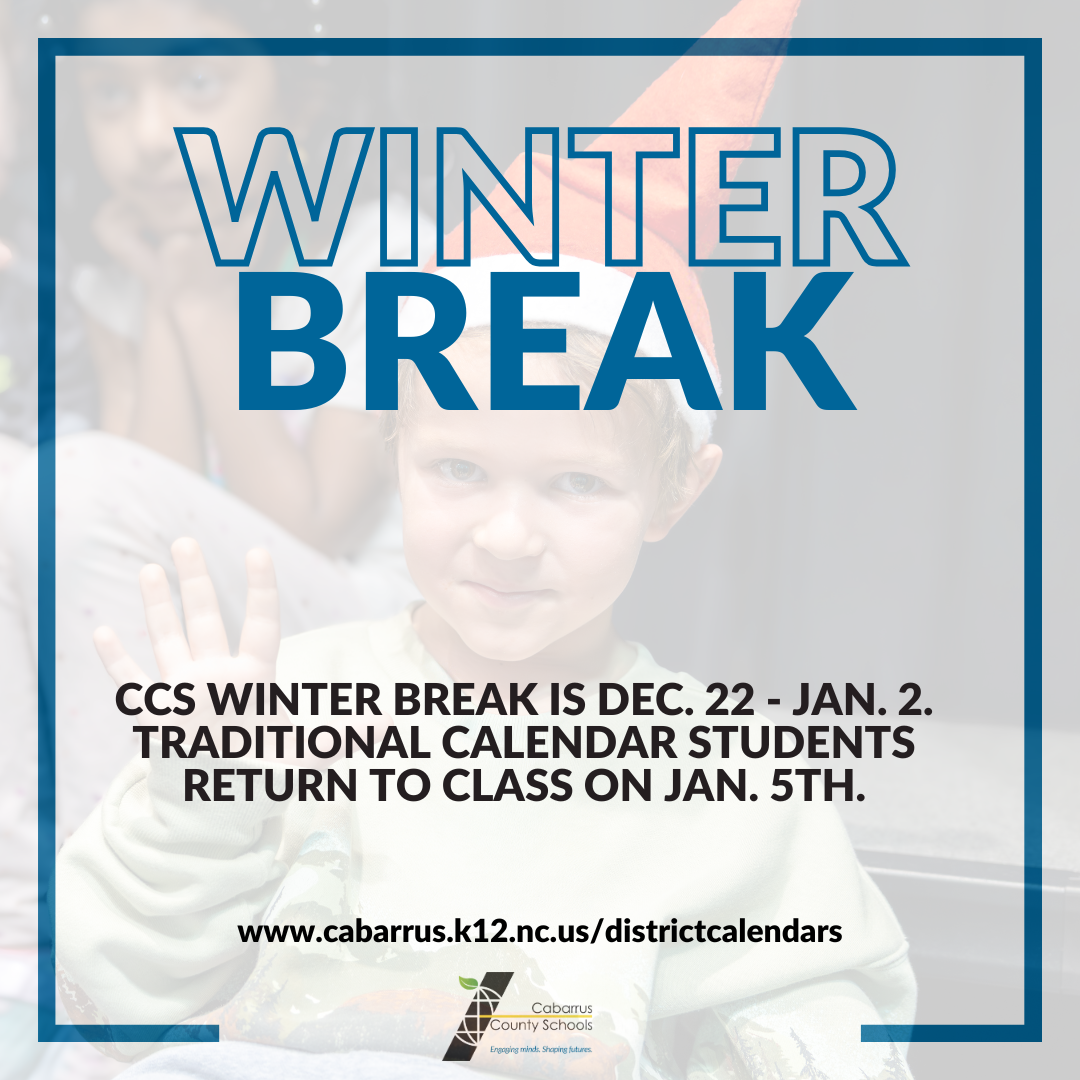
REMINDER: CCS' Winter Break will be Dec. 22nd - Jan. 2nd. There will be no school for students. Traditional calendar students will return to class on Jan. 5th. Early College students will begin ...

December 12, 2025
The Friday Five December 12, 2025 Happy Friday, Cabarrus County Schools families! We hope you'v...

December 8, 2025
Final Exams for Semester 1 are quickly approaching. Below is the schedule for all final exams unless your teacher/administrator has communicated a different schedule for certain classes or students...

December 5, 2025
The Friday Five December 5, 2025 Happy Friday, Cabarrus County Schools families! We hope you've...
December 2, 2025
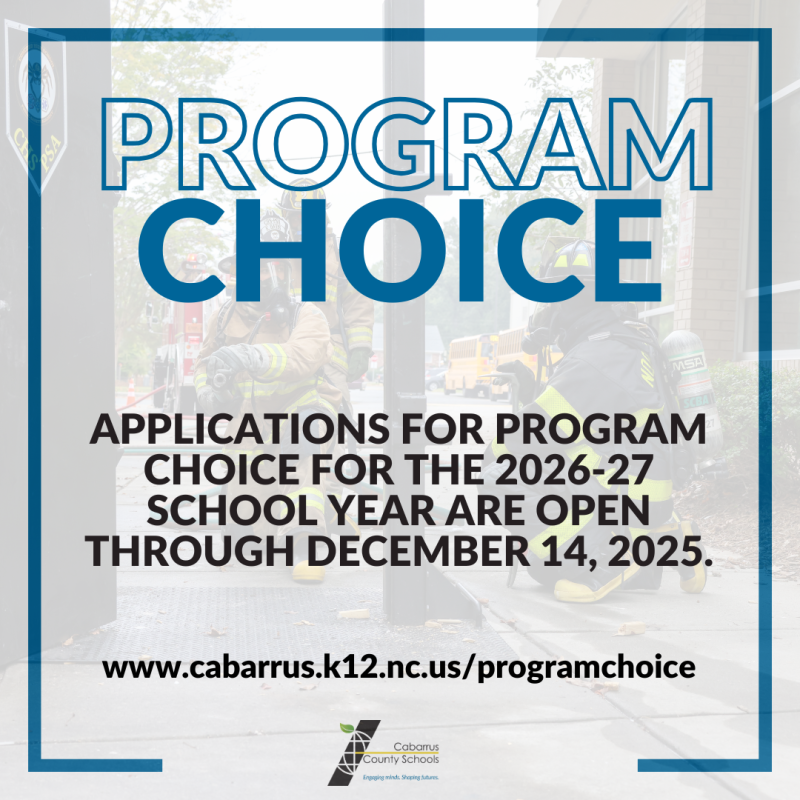
Program Choice is the opportunity for families to choose an instructional style or theme that is a best fit for their student. Program Choice in Cabarrus County Schools allows parents to apply for ...

December 1, 2025
SkillsUSA Gift Wrapping drive! Anyone can donate during the week of December 1-5. The collation for culture compassion is in need of wrapping paper, bags, and bows!! Please bring these items to roo...

Address:
1355 Cox Mill Rd
Concord, NC 28027
Phone: (704) 260-6600
Fax: (704) 260-6629
Office Hours: 7:00 AM – 3:00 PM
School Hours: 7:15 AM – 2:15 PM

